Getting Fatal Error While Using Digital Signature Certificate (DSC)
By Admin | 02 Aug 2025
⚠️ Error Handling While Using Digital Signature Certificate (DSC)
Digital Signature Certificates (DSC) have transformed secure online documentation in India, but users often face technical and operational hiccups. Proper error handling ensures smoother operations and compliance in tax filing, MCA services, e-Tendering, and other government portals.
🔧 Common DSC Errors and Their Fixes
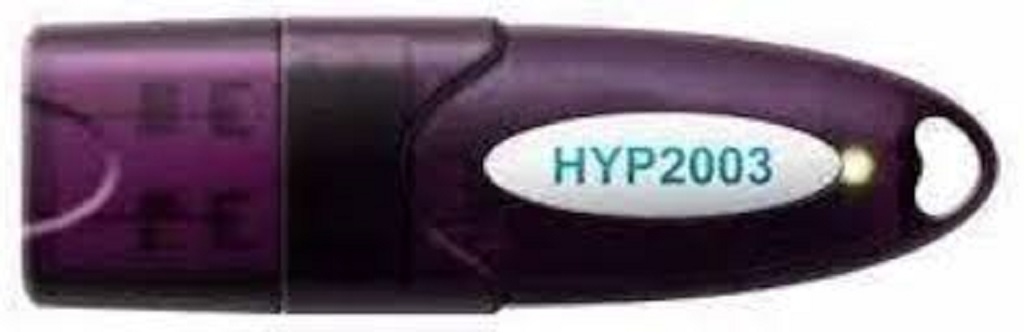
- ❗ Certificate Not Detected: Check USB token connection, reinstall its drivers, and verify DSC utility recognition.
- 🖥️ Browser Not Supporting DSC: Use compatible browsers (often Windows + Internet Explorer or configured Chrome) and install required plug-ins.
- 🔗 Expired/Revoked Certificate: Check the expiry date and renew your DSC in time.
- 🔒 Wrong PIN Entered: Ensure you use the correct PIN. Multiple wrong attempts may block your token.
- ⚙️ Application Errors: Clear browser cache, enable pop-ups, and restart browser/system as required.
🛠️ Best Practices for DSC Error Prevention
- 🔄 Update regularly: Keep token drivers and browser add-ons up to date.
- 🖥️ Use compatible OS and browser: Prefer Windows with Internet Explorer or pre-configured Chrome.
- ✅ Verify DSC health: Use Certifying Authority (CA) utilities to check certificate validity before filing.
- 📁 Secure backups: Maintain backup copies of DSC drivers, setup files, and credentials.
- 🔒 Keep PIN confidential: Do not use auto-filling on public or shared computers for the DSC PIN.
🚑 When to Seek Professional Help
- Contact your Certifying Authority (eMudhra, Sify, NIC, etc.) for persistent DSC issues.
- Use live chat or phone support on government portals (MCA, GST, etc.).
- Visit a local DSC service agent for token replacement or renewal if technical support does not resolve your issue.
Tip: Always follow the latest instructions from portals and Certifying Authorities to keep your DSC functional and compliant!